The MySQL
Backup software
Installation program user manual
Manual version: B.1
Date: 20.03.2024
Autor: Szakács-Mikes István-György
Introduction
The BetBack app has data security as its first goal.
With backups we can guarantee data integrity in the event of any problems on a database server and provide a sense of security to database owners.
BetBack is developed by Szaki Software Company, a company founded in 2016.
Minimum computer system requirements
Operating system: Windows 10 or later (.Net ver. 4.7)
Download installer
The installation program can be downloaded from www.betback.ro.
The downloaded installer is automatically extracted.
The BetBackSetup application launches from the unzipped directory
Installation steps
Select language
We select the desired language
We press the button

To interrupt the installation procedure, press the button

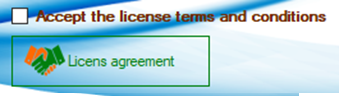
Accept license terms and conditions
To be able to install the application you must accept the license terms and conditions
To view or print the license agreement, press the

button
To interrupt the installation procedure, press the
button
Select the installation directory
To select the installation directory, press the

button
Press the

button to continue.
To interrupt the installation procedure, press the button
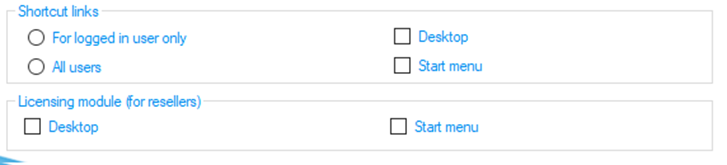
Shortcuts
Check the options you want to create shortcuts for and press the button
Finish installation
At the end of the installer, if you want to open the BetBack website, check the box, press the

button to close the installer.